Pick a creature.
Pick a world.
Start your adventure.
Explore, earn badges, and battle with your creature by practicing math, reading, and science. Stuck? Every game has hints and a speaker button that reads to you.

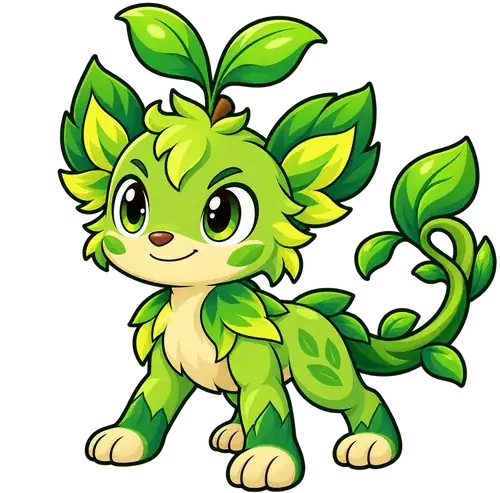
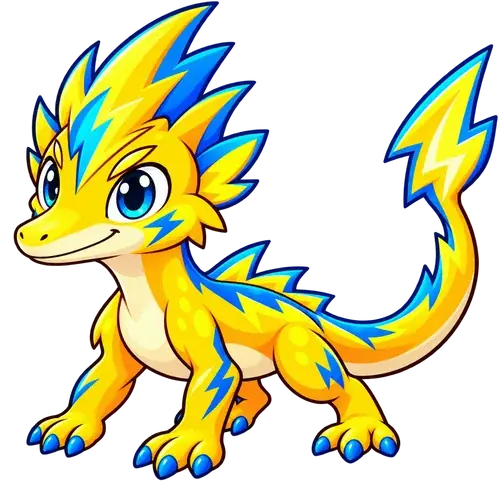
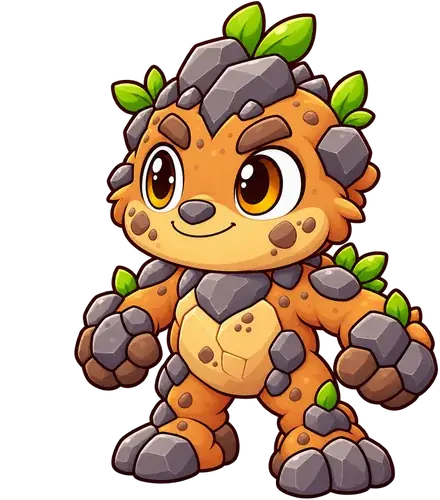
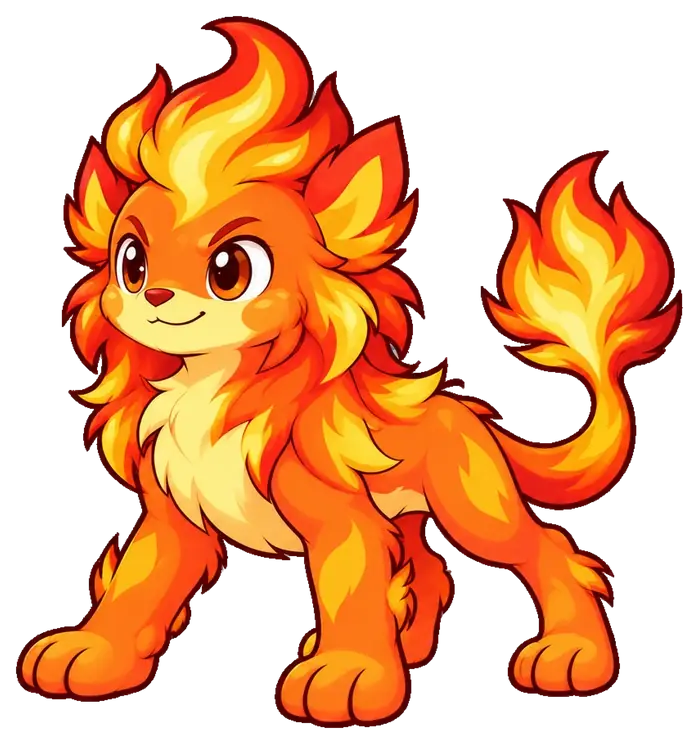
Meet the six champions
Tap a creature to meet it. You choose your real partner when you start a game.
Emberoo is a fire creature. It grows into Blazemane at level 13 and Sunmane at level 32.
Find your game
Choose your grade first. Then pick the subject your teacher asked you to practice.
Showing all 9 games
There isn't a game for that grade and subject yet.
How to play
Choose your creature
Pick a new creature or load a save file. Then try the practice battle.
Earn badges
Visit learning stations. Build models, solve problems, or read and answer questions.
Explore and battle
Tap the map to move. Answer questions to power your moves and earn experience.
Beat the guardian
When you have every badge the world needs, challenge its guardian.
When you need help
- Speaker button. Tap it to hear the words read out loud.
- Hints. Get a clue without being told the answer.
- Try again. If you miss one, read why, then give it another go.
Take your creature to the next game
Your creature can travel to every world. A save file carries it there.
- Before you stop playing, open the game's save menu and download a save file.
- Open the next game. In its save menu, choose Load or Upload.
- Pick your newest save file. Check that the name on it is yours.
On an iPad: save the file in the Files app. If it opens as a page of text, tap Share, then Save to Files.
Good to know: your creature keeps its level and its new form. Badges stay in the world where you earned them, so each new world has its own badges to win.
 EmberooStartBlazemaneLevel 13
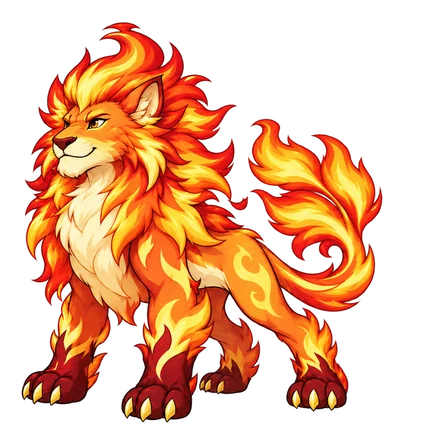 SunmaneLevel 32
See inside the games
Real screenshots from the games: walking worlds, battle questions, and interactive badges. Tap any picture for a larger view.
Pinewatch · Grade 3 Math
Walk the village, meet creatures, and find badge stations.
Skybound · Grade 3 Reading
Explore Beacon Landing and follow the reading trail.
Stormwatch · Ecosystems
Visit the harbor and its science learning stations.
Moonlit Hollow · Halloween
Costumes, pumpkins, and friendly ghosts in the walking world.
Math battle · Read a graph
A learning question powers the creature’s move.
Reading battle · Use context
Read a passage and answer a vocabulary question.
Science battle · Habitat evidence
Use evidence about plant cover to explain fish habitats.
Halloween battle · Equal groups
Costumed creatures battle using grade-specific learning questions.
Fraction Garden · Build a model
Divide and shade a garden strip, then choose its fraction.
Wordwind Grove · Read and explain
An illustrated story leads into a context-clues challenge.
Food Web Dock · What changes next?
Use the food-web model to predict a population change.
Potion Workshop · Fraction models
Explore a Halloween badge activity with a visual model.
Examples captured from the live games. Screens and questions vary by grade, path, and progress.
A Halloween mystery in Moonlit Hollow
Dress your creature in a costume, help bring back the festival, and explore a haunted mansion with three secret rooms. Solve the mystery to win the spectral cat, a glowing companion that can follow you into the other games.
Play Moonlit Hollow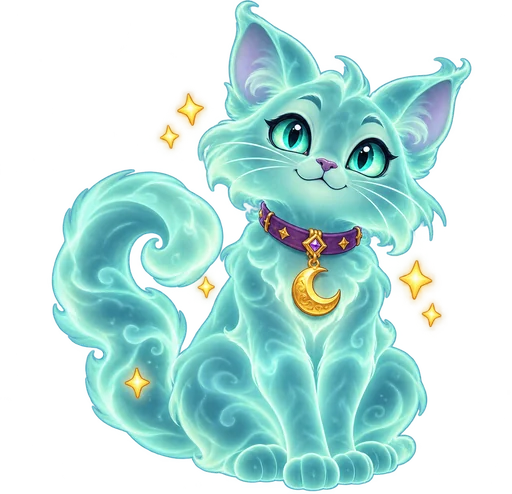
Are you a teacher? See the teacher guide.
Free creature-adventure review games for grades 3–5
Nine browser games where students raise a creature by practicing math, reading, and science. Students play on their own, with read-aloud, hints, and answer feedback built in.
- Free. No sign-up and nothing to install.
- No student accounts. Students open a link and start playing.
- Built for iPad. Also runs in Chrome, Safari, and Edge on Chromebooks and laptops.
- Standards-based. Skills come from North Carolina's grades 3–5 standards.
How the games work
Each game is a small world with a map, learning stations, and creature battles. Students earn a badge at each station by completing its activities, such as building a math model or finding evidence in a passage. Battles mix in more practice: students answer a question to use each move.
When students have the badges a world requires, they face its guardian. Their creature levels up and evolves as they go, and a downloaded save file carries it into the next game.
- Read-aloud
Students tap a speaker to hear directions, questions, and supported text.
- Hints and explanations
Wrong answers show why, so students can fix the mistake and try again.
- Visual models
Math stations use models students build and move. Reading uses illustrated passages.
See inside the games
Real screenshots from the games: walking worlds, battle questions, and interactive badges. Tap any picture for a larger view.
Pinewatch · Grade 3 Math
Walk the village, meet creatures, and find badge stations.
Skybound · Grade 3 Reading
Explore Beacon Landing and follow the reading trail.
Stormwatch · Ecosystems
Visit the harbor and its science learning stations.
Moonlit Hollow · Halloween
Costumes, pumpkins, and friendly ghosts in the walking world.
Math battle · Read a graph
A learning question powers the creature’s move.
Reading battle · Use context
Read a passage and answer a vocabulary question.
Science battle · Habitat evidence
Use evidence about plant cover to explain fish habitats.
Halloween battle · Equal groups
Costumed creatures battle using grade-specific learning questions.
Fraction Garden · Build a model
Divide and shade a garden strip, then choose its fraction.
Wordwind Grove · Read and explain
An illustrated story leads into a context-clues challenge.
Food Web Dock · What changes next?
Use the food-web model to predict a population change.
Potion Workshop · Fraction models
Explore a Halloween badge activity with a visual model.
Examples captured from the live games. Screens and questions vary by grade, path, and progress.
The games
Every link opens the game in a new tab. Share these links directly or send students the student page.
| Game | Grade | Subject | Skills practiced | Link |
|---|
New worlds are added over time. Check back for the latest list.
A first session with your class
Walk through these steps together once. After that, students can play on their own.
- Open the game and pick a creature. Students start the game from its direct link and follow the short tutorial and practice battle.
- Show the help tools. Point out the speaker button, hints, and the save menu before students work alone.
- Work toward one badge. Students visit a station and finish its activities. Circulate and listen to how they explain their thinking.
- Save in the last five minutes. Students download a save file and note which badge to work on next time.
Ways to use it
Centers and stations
Students pick up where they left off on the same device, which suits a regular rotation.
Small-group review
Pull a group to one station and talk through the model or passage together.
Whole-class modeling
Project a station and solve it as a class before students try it alone.
Practice at home
Families only need the link. No login means no passwords to send home.
Saving: what teachers should know
There are no accounts, so progress lives on the device. A little setup prevents lost work.
- Same game, same device: progress saves automatically in that browser.
- New game or new device: students need a downloaded save file, then load it in the next game's save menu.
- Shared devices: ask students to check the name on a save file before loading it.
- Link, don't embed: a game placed inside Google Sites, Canvas, or another page's frame may not save. Post the direct link instead.
- Progress can be lost in private browsing, after clearing website data, or in a different browser. A downloaded save is the backup.
- On iPads, have students save files to the Files app. If Safari shows the file as text, tap Share, then Save to Files.
Questions teachers ask
Is there a teacher dashboard or gradebook?
No. Progress stays on each student's device, so there is nothing to sign in to. To check progress, look at a student's badges and goals inside the game, and use your usual classroom checks for understanding.
Are the games aligned to my state's standards?
The skills were chosen from North Carolina's standards for grades 3–5. Many of them match what other states teach at the same grades, but compare each game's skill list with your own standards before assigning it.
Do students have to play the games in order?
No. Start with whichever game fits your lesson. Students can begin with a new creature or load a save from another game. In Moonlit Hollow, students choose a grade and subject, and each path keeps its own progress.
Why can't a student challenge the guardian yet?
Each world checks its own required badges and battle wins, not just the creature's level. Badges earned in another world don't count. Students can open the in-game goal list or journal to see what's left.
Which devices work best?
The games were designed for iPad touch screens. They also run in current versions of Chrome, Safari, and Edge on Chromebooks, laptops, and desktops, with mouse and keyboard controls. Read-aloud voices and file downloads differ by device, so try a game on your class devices first.
Battle animations are missing on an iPad. Why?
The games follow the iPad's Reduce Motion setting. To turn animations on, go to Settings, then Accessibility, then Motion, and turn off Reduce Motion. Leave it on for students who find motion distracting.
Can I use these as assessments?
They are practice games, not tests. A badge or guardian win shows a student worked through the activities, not that they have mastered the standard.
Share with your students or a colleague
The student link opens the student page. The teacher link opens this guide.